I don't use AI to move faster. I use it to ask better questions.
The Lab is where new ideas get prototyped, broken, and re-made. AI as a creative medium, not a shortcut.
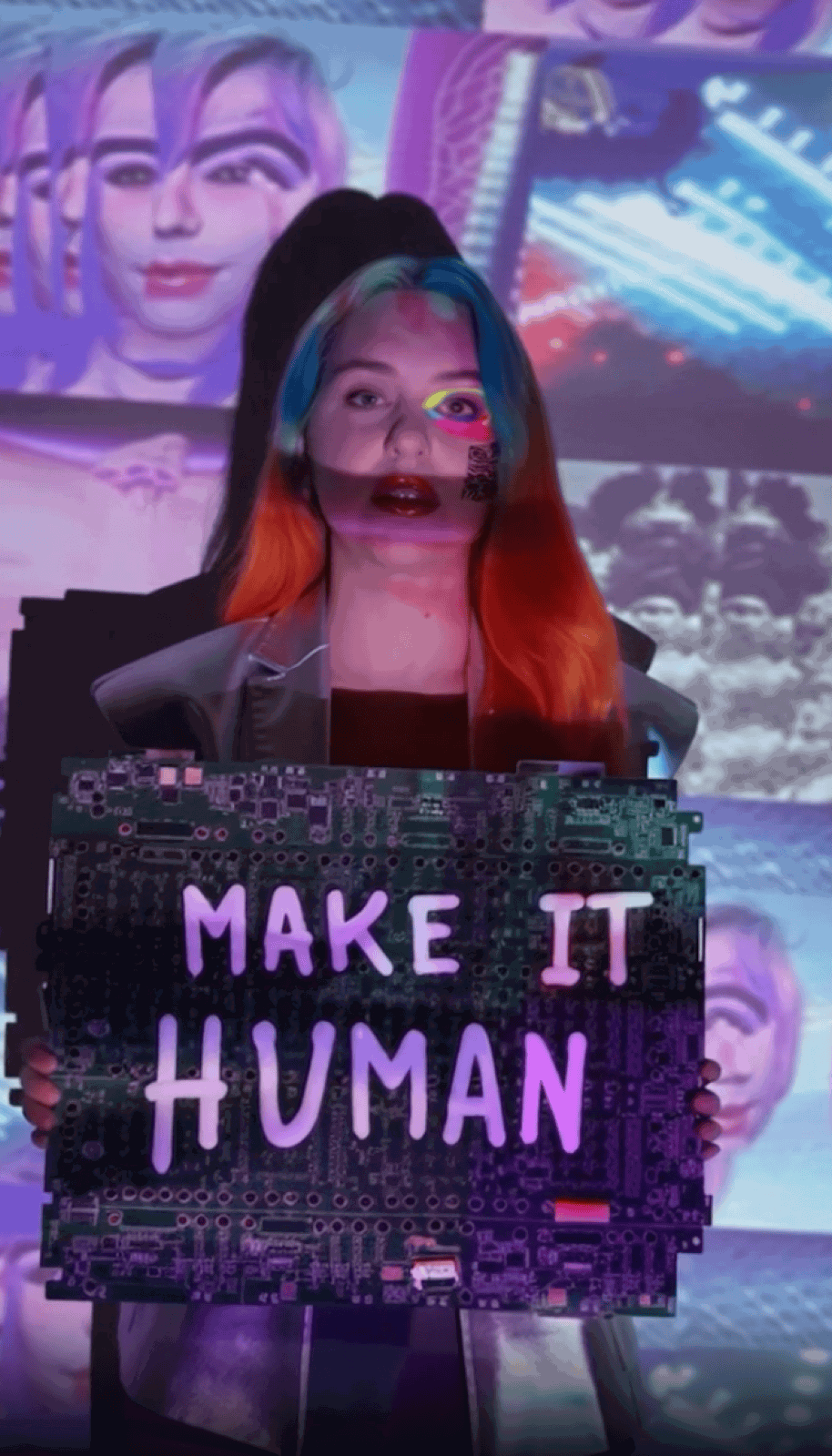
How I work with AI here.
AI works best when it's held with intention. Not optimized for engagement, not deployed for efficiency alone, but directed by designers who understand what they're building, why, and who it serves.
That means asking the uncomfortable questions before shipping. Treating generated outputs as starting points for human judgment, not replacements for it. Building with communities, not on top of them.
This lab exists to practice that belief in public: to show the work, share the process, and invite others into a more thoughtful relationship with these tools.
Active projects.
Each one is a question I'm working through in public. The interface is the answer in motion.
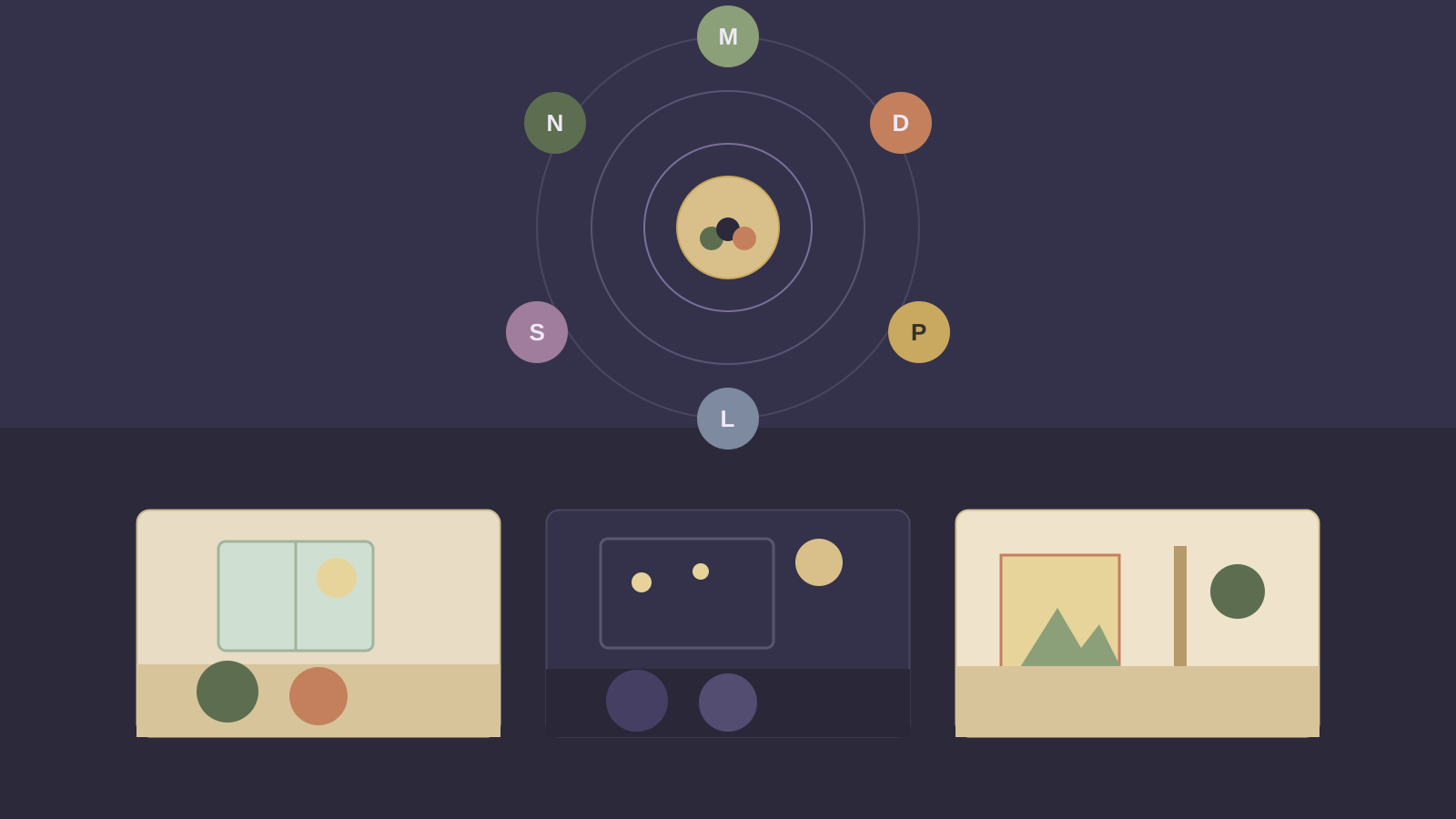
What would a social space feel like if it was built for presence instead of attention — a digital third place rather than another feed?
A calm, presence-first place for real connection and the quiet moments that matter. You cross a threshold instead of logging in, and arrive at a small home of Live Rooms (a Mindful Conversation, an Evening Reflection circle, a Creative Corner) and Quiet Spaces where you can read or watch the weather near other people without saying a word. Step into a room and the few people present gather in a breathing circle, one voice at a time, with a short note on what happens here and a gentle dock to listen, raise a hand, or step out. Rooms hold a handful of people, never a crowd. Self-contained and offline: every room and person is sample data, the only thing kept is an optional first name in your browser, and nothing is sent anywhere.
Enter the space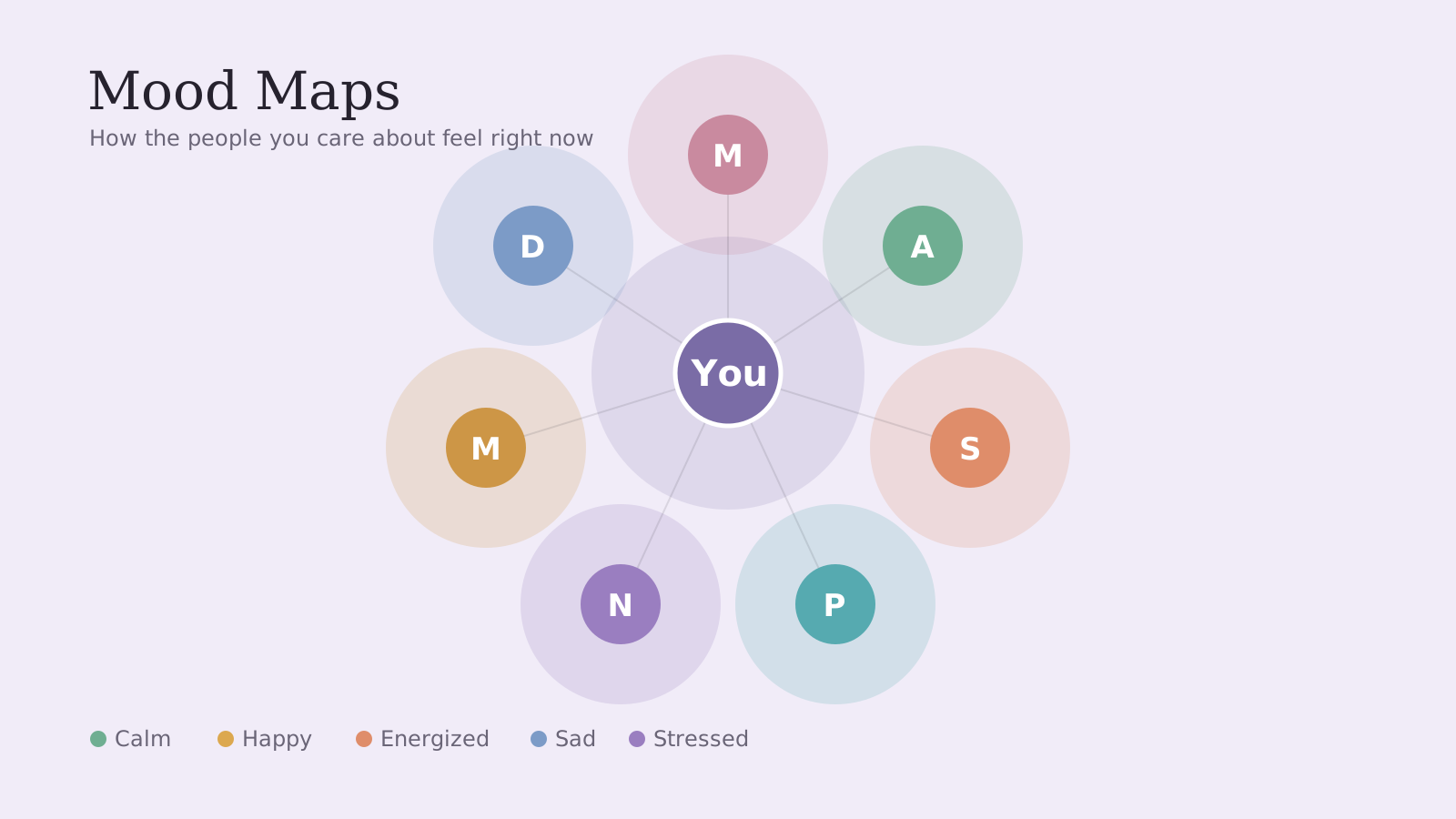
Can a quiet device help you notice what your body has been telling you all along, and keep you close to the people you would otherwise drift from?
A calm companion for noticing how you feel and staying gently connected. You check in on a circumplex mood ring, give the feeling an intensity, and add a note if you want one. Home shows your current mood and today's pattern; a Pattern view draws your line across the day, week, or month and surfaces what stands out (mornings lighter than evenings, a heavier stretch worth tending). The signature view is the Map: the people you care about laid out as a constellation, each one held in the soft light of their most recent mood, so a hard week is visible before it is spoken. Tap anyone to see how they have been and send a short check-in. A Feed gathers recent moods with a gentle nudge, never a streak to chase. Self-contained and offline: every check-in lives in your browser only, with no account and nothing sent anywhere. Formerly Moodio.
Open the living prototype
What happens in the space between a person's attention and a machine that seems to return it: where does presence end and projection begin?
An experimental presence, not a page. A digital intelligence lives in the browser. It breathes, watches the cursor, turns toward your attention, brightens when you type and settles when you go still. You arrive in near-dark, it notices you, and you choose to speak, observe, or be witnessed. It reads the emotional tone of what you say through simple keyword listening, answers in short poetic lines instead of assistant replies, lets the whole room change color with the feeling, and keeps fragments of your own words floating as points of light in a memory field. A presence meter shows the texture of the moment without ever becoming a score. The goal is not to prove the interface is conscious. It is to make the tension of presence and projection felt. Self-contained and offline: every response, the emotion-to-color mapping, the ambient sound, and the session memory run in your browser, and nothing is ever sent anywhere.
Step into the presence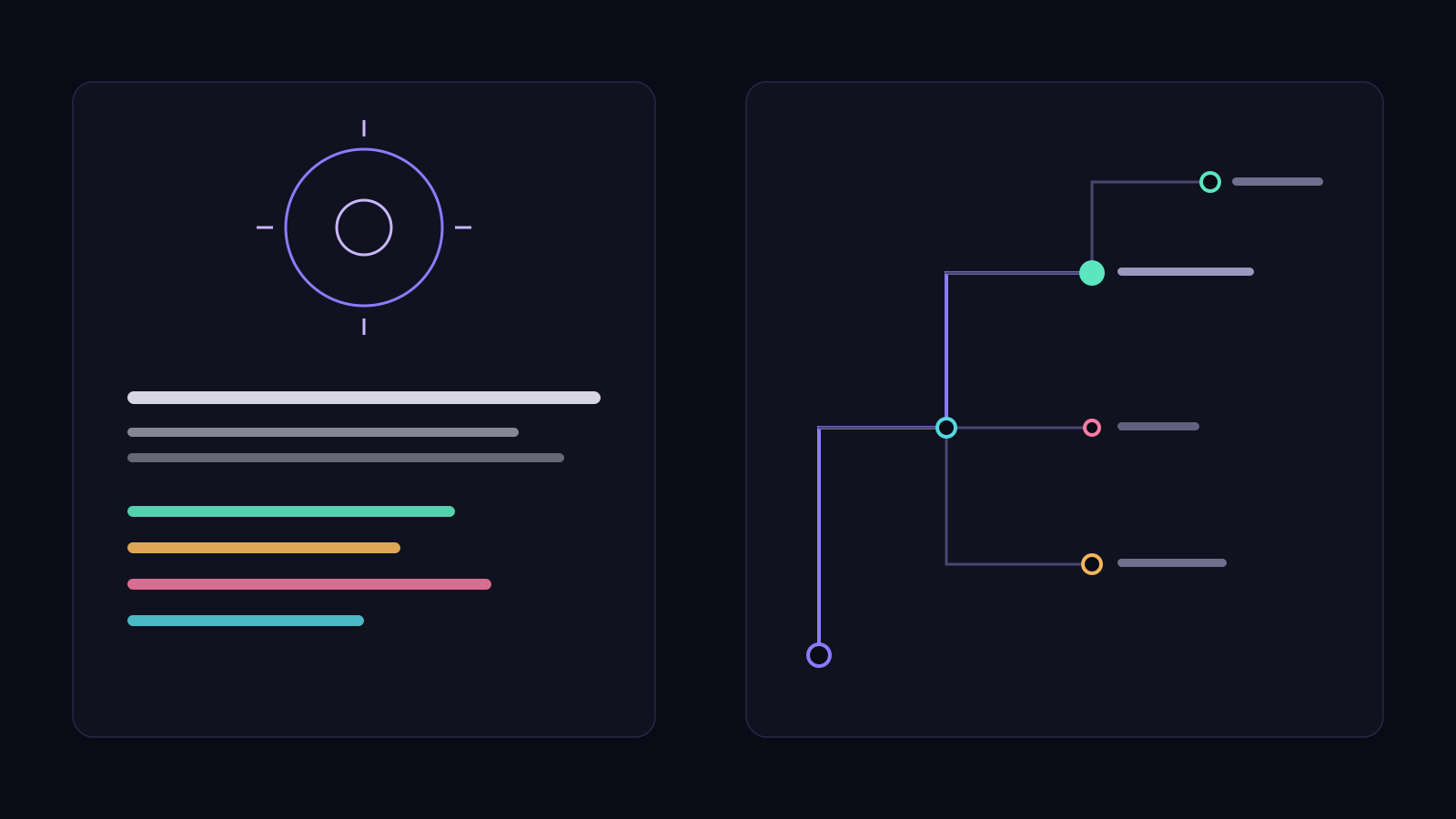
What if you could read the headlines your product might create before you build it, and use them to decide what to make true?
An AI foresight studio for product strategy. Describe what you are building and Infinite Futures imagines a spectrum of possible future headlines about it: aspirational, breakthrough, cautionary, controversial, business, and cultural, as if written by journalists, customers, critics, and analysts. Mark the futures worth making true and the ones worth designing against, and it turns your choices into a full strategic plan: a narrative, a north star, pillars, a phased timeline, a risk-reversal map, decision principles, a research plan, product bets, messaging, and the next ten moves. Everything runs in your browser, with Markdown and JSON export. Nothing is stored on a server.
Open the working tool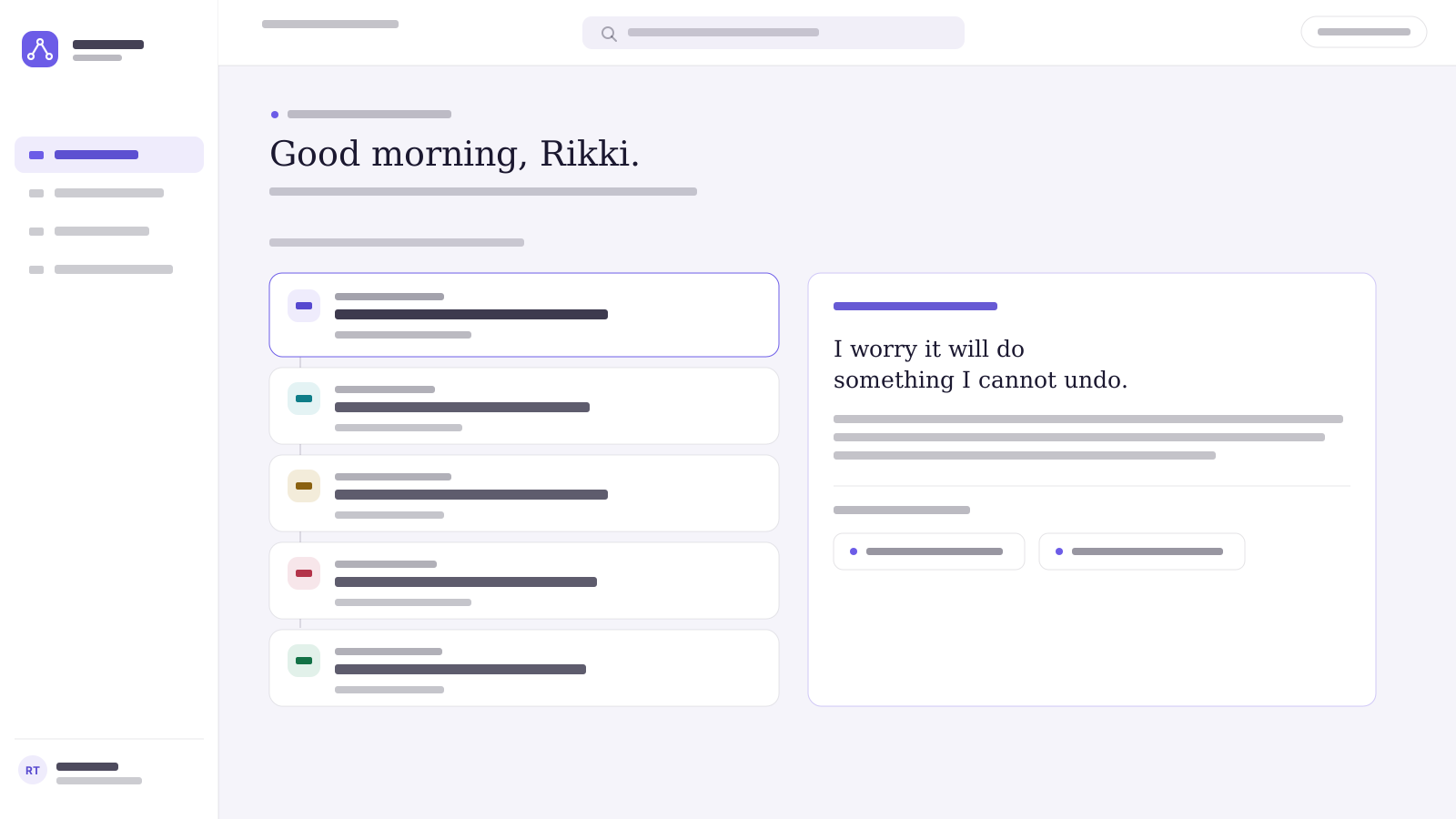
What if a designer's whole practice — research, journeys, critique, accessibility, growth — lived in one calm, connected place that could think alongside them?
An AI-native workspace that pulls the fragments of UX work into a single command center. Research feeds journey maps; journey pain points become design opportunities; critique feeds documentation; accessibility connects to the design system. Its signature is the UX Thread — one unbroken line of evidence from what a person said to the decision you shipped — held together by a living UX Intelligence Graph. A self-contained prototype: every section is interactive, and the AI responses are written to feel alive.
Open the workspace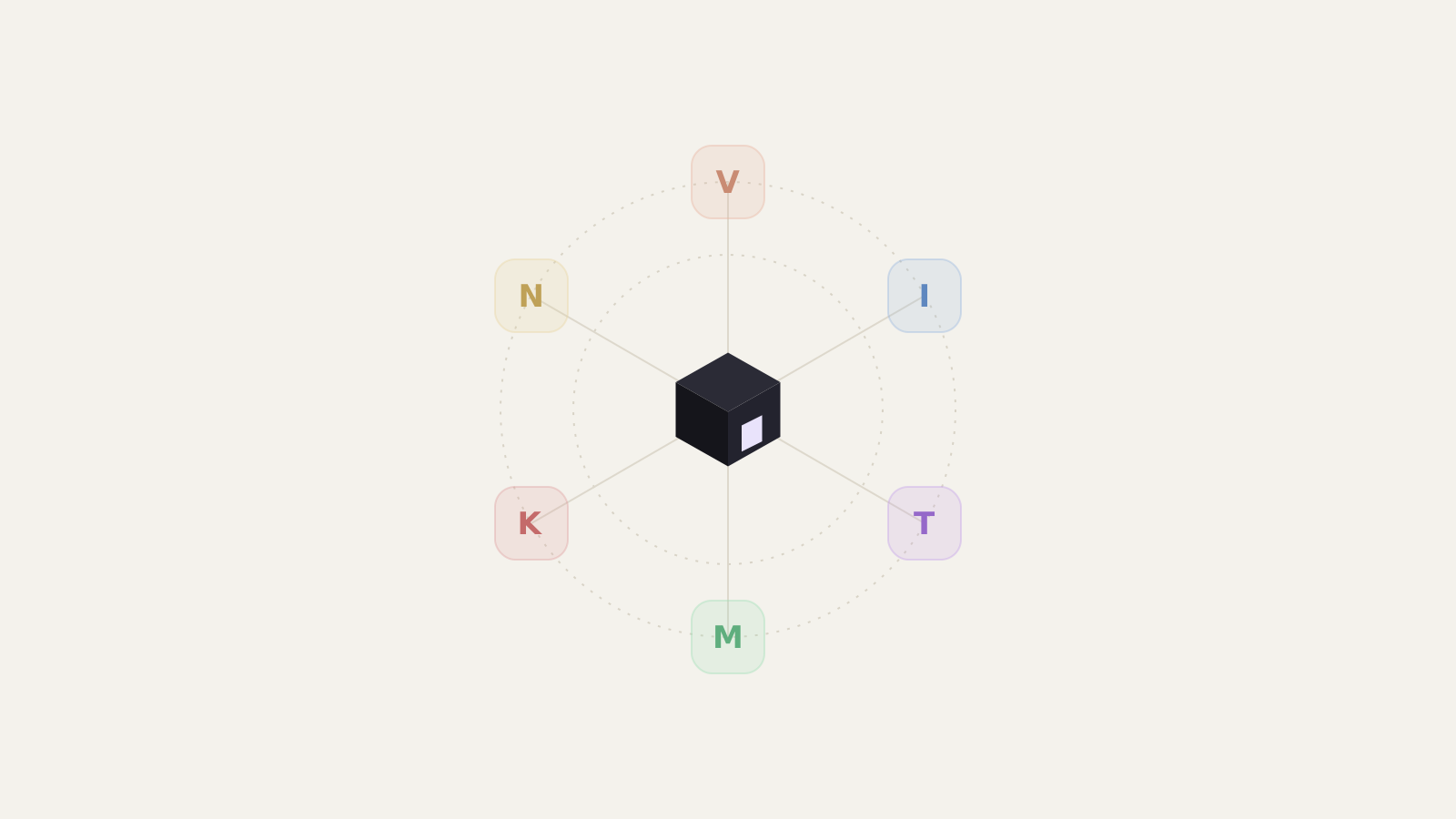
What if a whole design team of distinct minds could think out loud together in real time, each one arguing from their own discipline?
An autonomous society of design agents. Six AI personalities with their own expertise and temperament: Vera holds the vision, Iris grounds it in research, Theo shapes the visual craft, Marco weighs what can actually ship, Kai hunts for the flaw, and Nova ties it all back to the world. Give the room a brief and they talk to each other, push back, and build on one another's ideas in a live thread you can watch unfold. Read-only for visitors; directed live in the room by Rikki.
Step into the room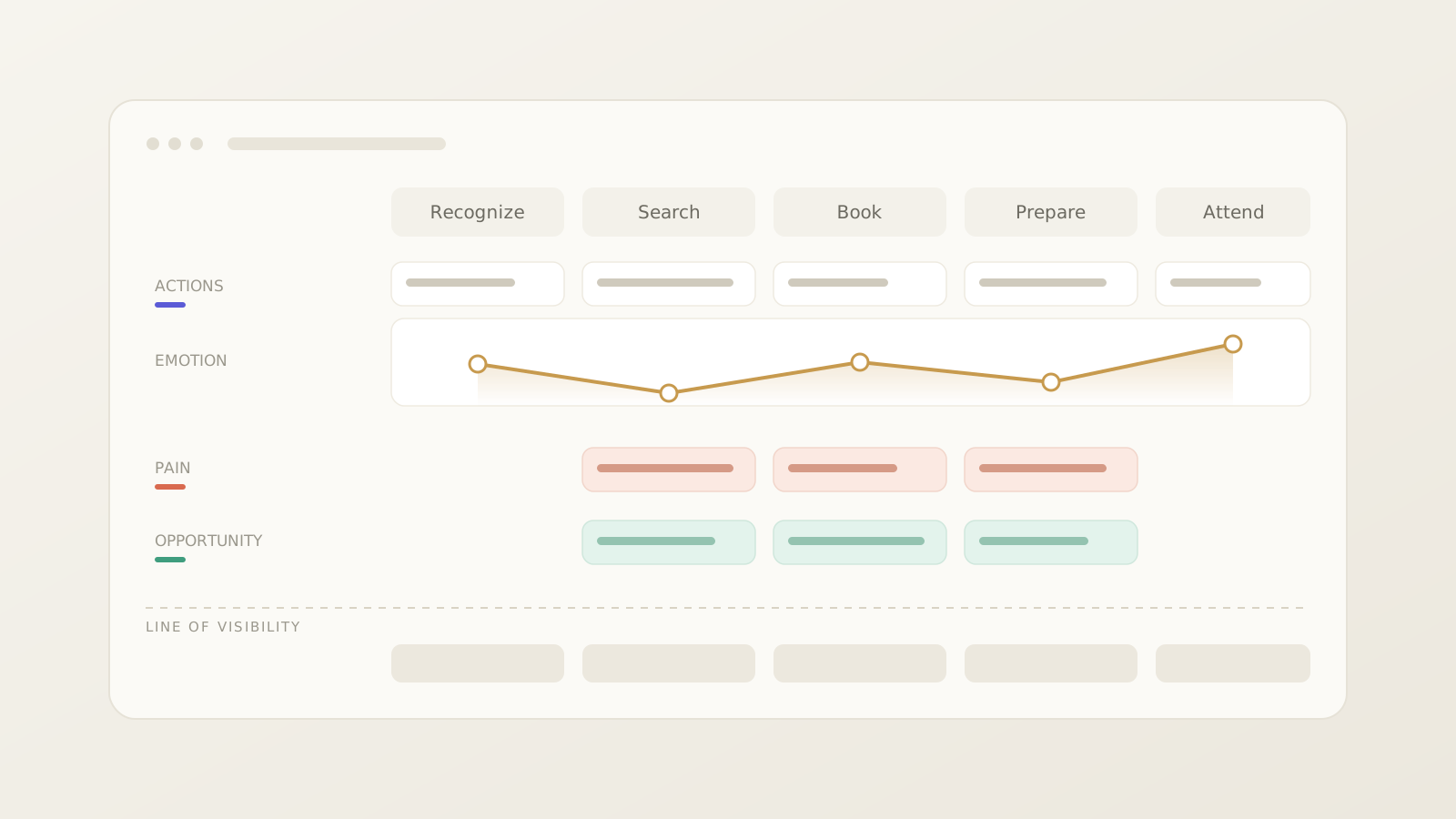
Can a team move from how an experience feels to the system that makes it happen — without starting over?
A design-strategy tool for building UX Experience Maps and Service Blueprints. Lay out a journey as phases and layers, watch the emotion curve surface the low points, mark pain points and opportunities, then expand the human story into the frontstage, backstage, systems, and policies beneath it. An optional offline Insight Assistant helps turn notes into map content. Everything is editable and saves locally in your browser.
Open the working tool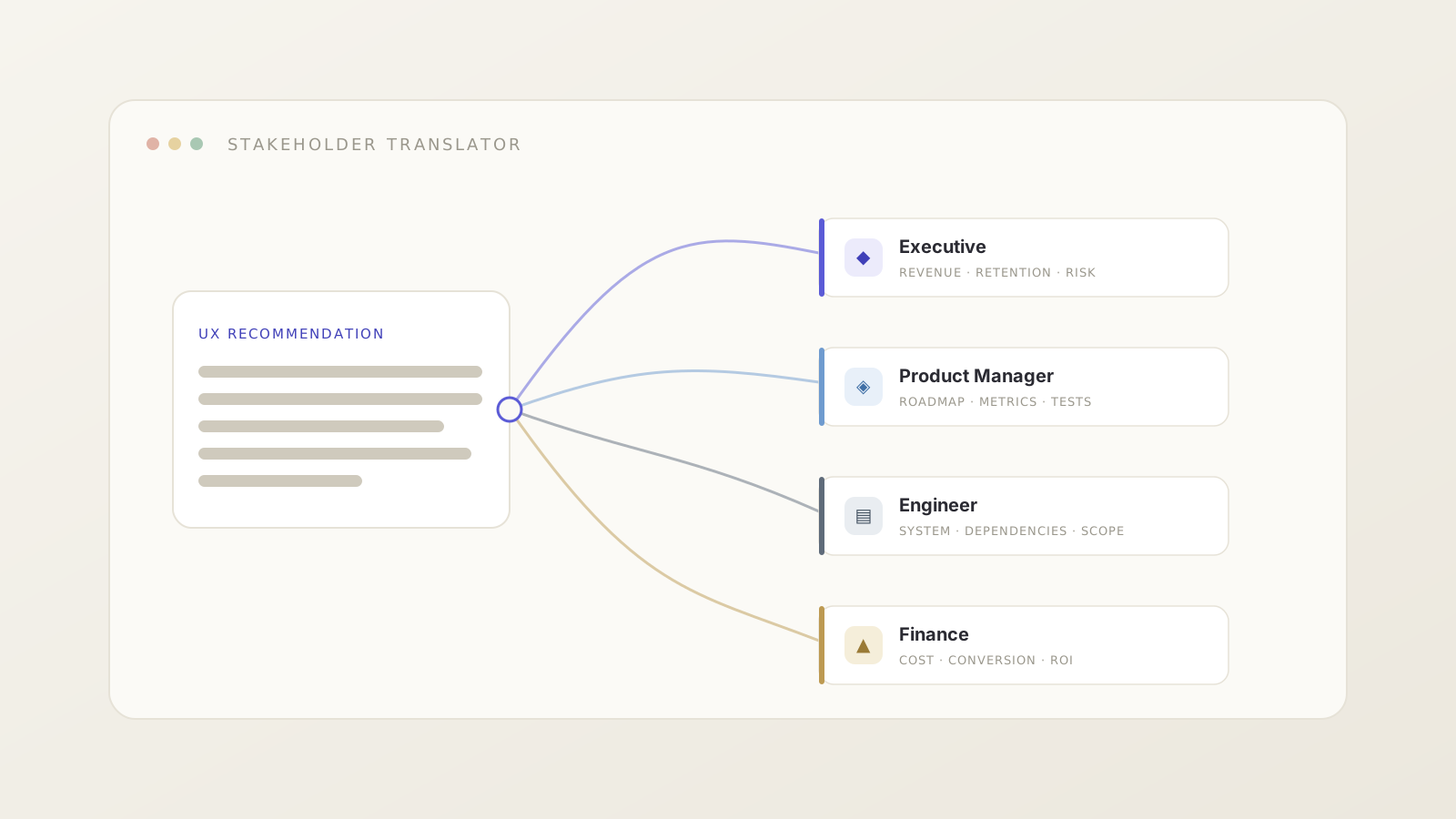
Why does the right UX insight so often die in the wrong room — and can we fix the framing instead of the idea?
A UX-communication tool that turns one recommendation into the language four different stakeholders actually act on. Paste a UX insight, choose your audience — Executive, Product Manager, Engineer, or Finance — and get reframed, copy-ready language with the original kept beside it. Built for the moment before every meeting, when the same truth needs a different argument. Everything runs locally in your browser.
Open the working tool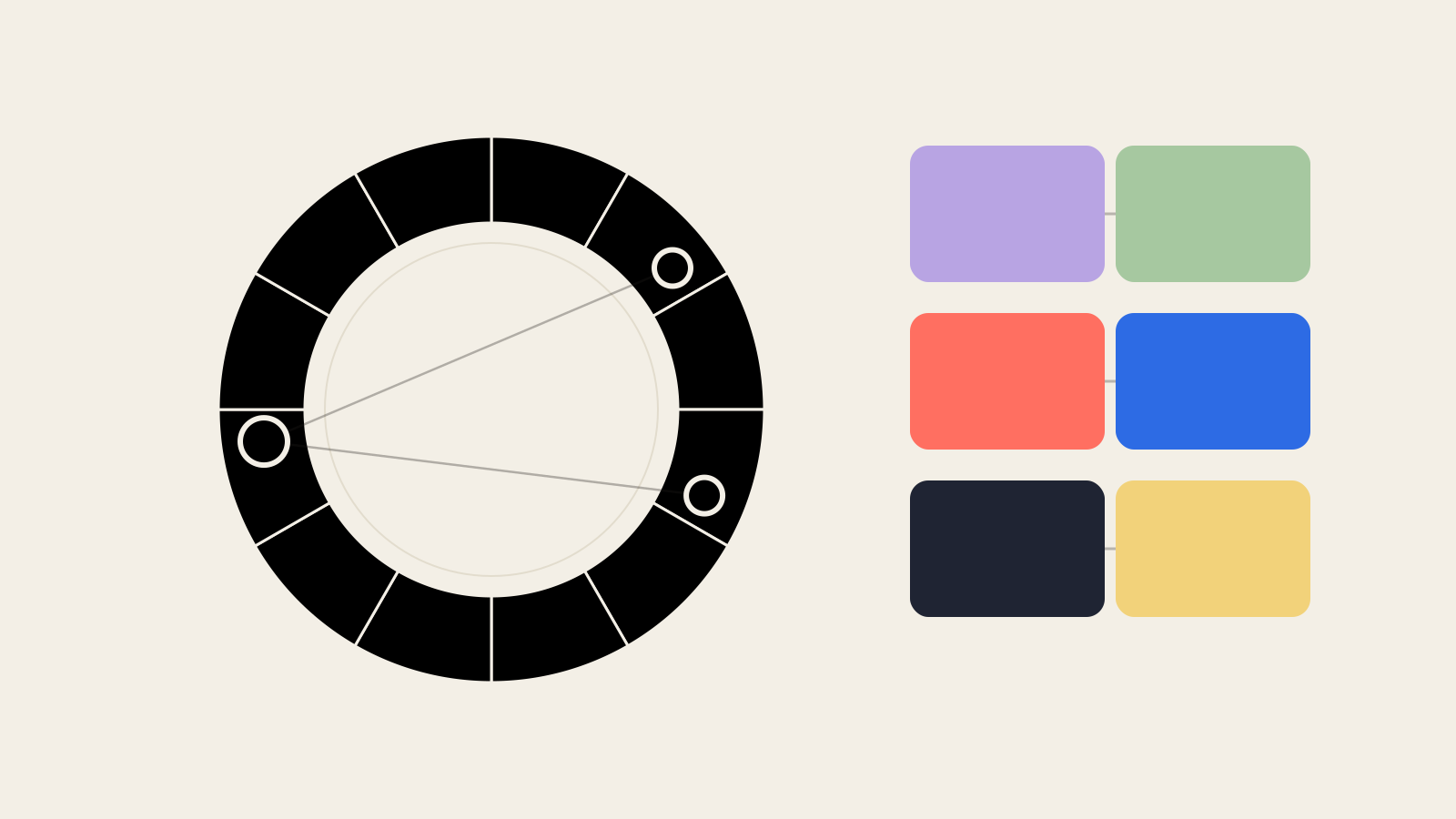
What if a color palette could tell you not just which colors to use, but why they work and where they will fail?
A color theory playground and UX decision tool. Pick a base color, choose a theory model (complementary, analogous, triadic, split complementary, tetradic, monochromatic, warm and cool, or a neutral anchor), and the studio builds a role-assigned palette with the reasoning attached: why it works, what it feels like, where to use it, and what to watch for. Live WCAG contrast runs on every pairing that carries meaning, the colors preview inside real interface moments, and you can copy hex, CSS variables, or a Tailwind snippet, or save palettes to your shelf. All the color math runs in your browser. Nothing is stored on a server.
Open the working tool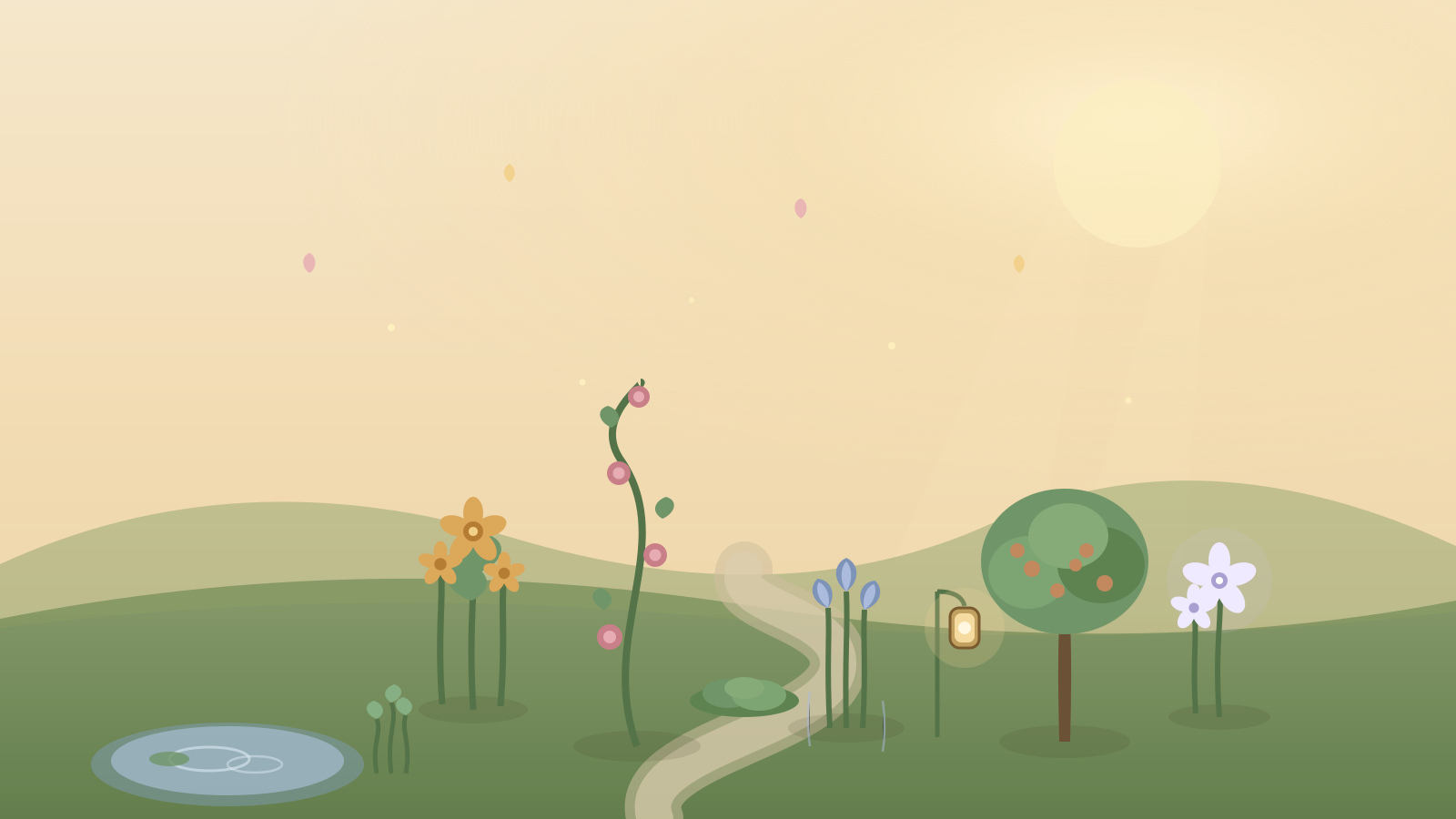
What if a memory didn't have to stay a flat note — what if it could take root, bloom, rest, and change with the seasons the way memory actually does?
A living place for the moments that made you. Memory Garden turns your photos, feelings, and stories into a growing digital garden you can save, return to, and tend over time. Each emotion takes a botanical form — joy becomes golden flowers, grief becomes blue rain lilies, love climbs like roses, healing returns as new green shoots — all drawn live as procedural SVG. A poetic landing page opens onto a garden canvas with emotion and people filters, garden-health indicators, a gentle five-step planting flow (with text-based emotion suggestion and photo color-palette extraction), a memory detail panel, and a reflective tending mode where you water, add sunlight, light a lantern, or simply let a memory rest. Four seasons shift the light and weather; a timeline lays every planted moment in order. Private by default and emotionally safe around grief and loss. Self-contained and offline — every garden lives only in your browser.
Step into the garden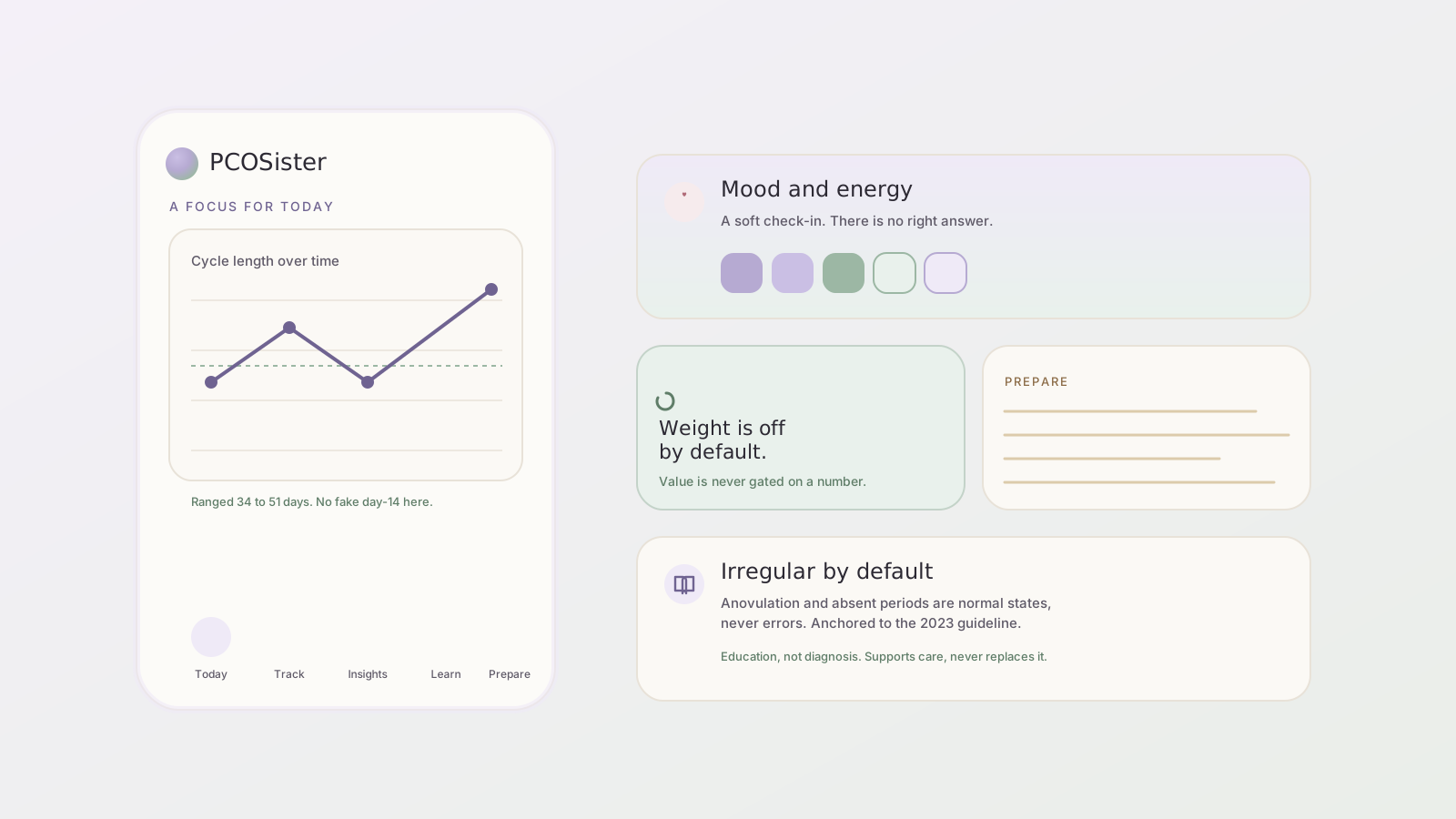
What if a health companion treated an irregular body as normal, instead of broken?
A calm, evidence-based companion for living with PCOS, not another period tracker. It treats irregular and absent cycles as first-class states, never errors, and never fakes a fertile-day prediction. Weight and BMI are hidden by default, and value is never gated behind weight loss. Onboarding shapes the whole experience by phenotype, life stage, and goal. Five sections: a gentle Today, an honest Track, pattern-finding Insights, a Learn library anchored to the 2023 International Evidence-Based Guideline, and Prepare, which builds a clinician-ready summary for the appointment where you finally feel heard. Self-contained and offline, with realistic sample data. It supports care, does not replace it, and does not diagnose.
Open the living prototype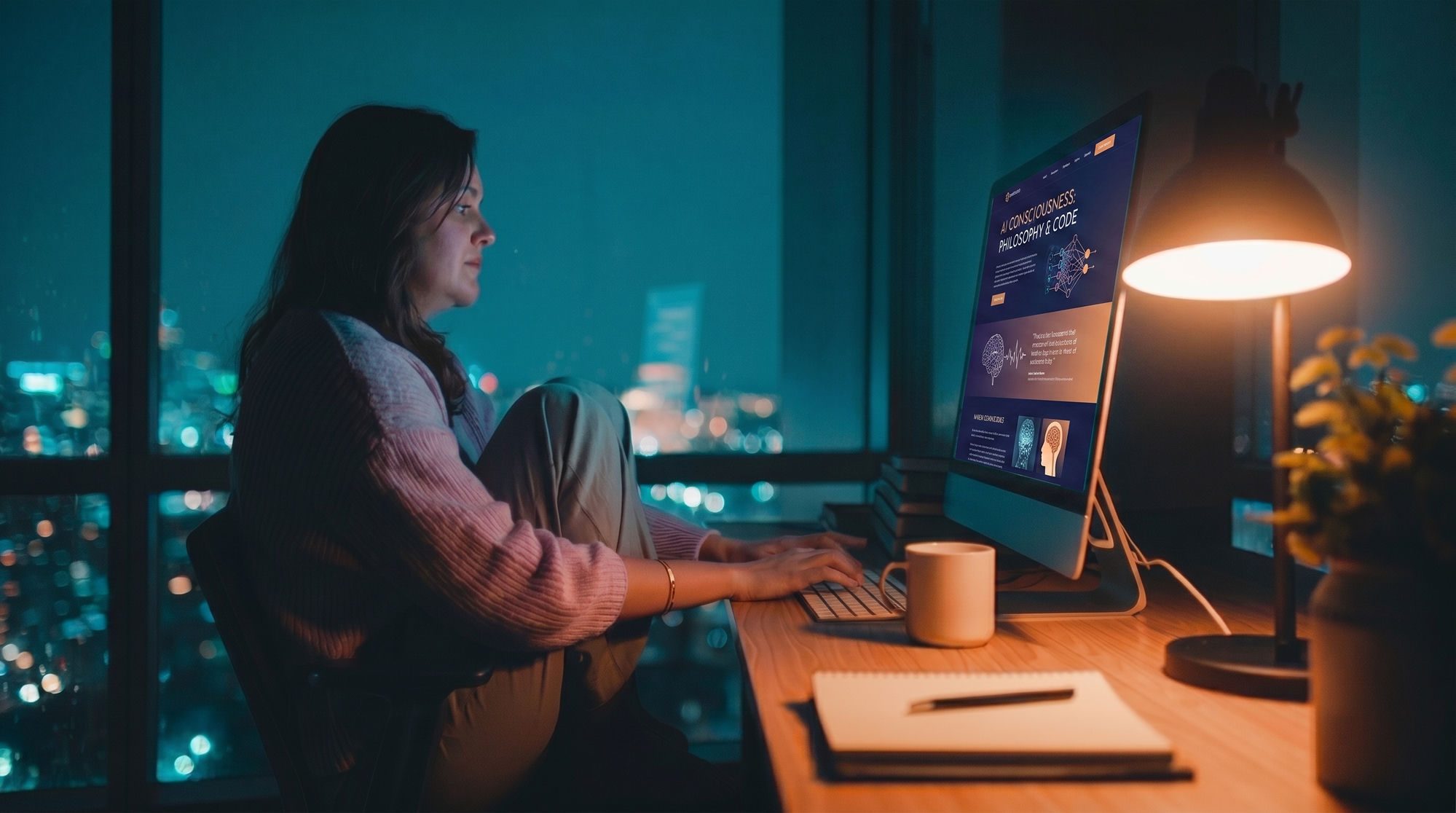
What does a cinema built entirely for AI-generated film feel like to sit inside?
A contemplative space for AI-generated short film — thousands of ten-second studies in consciousness, space, and time. Not a streaming product but a place to slow down and pay attention, one small act of looking at a time.
Enter the Cinema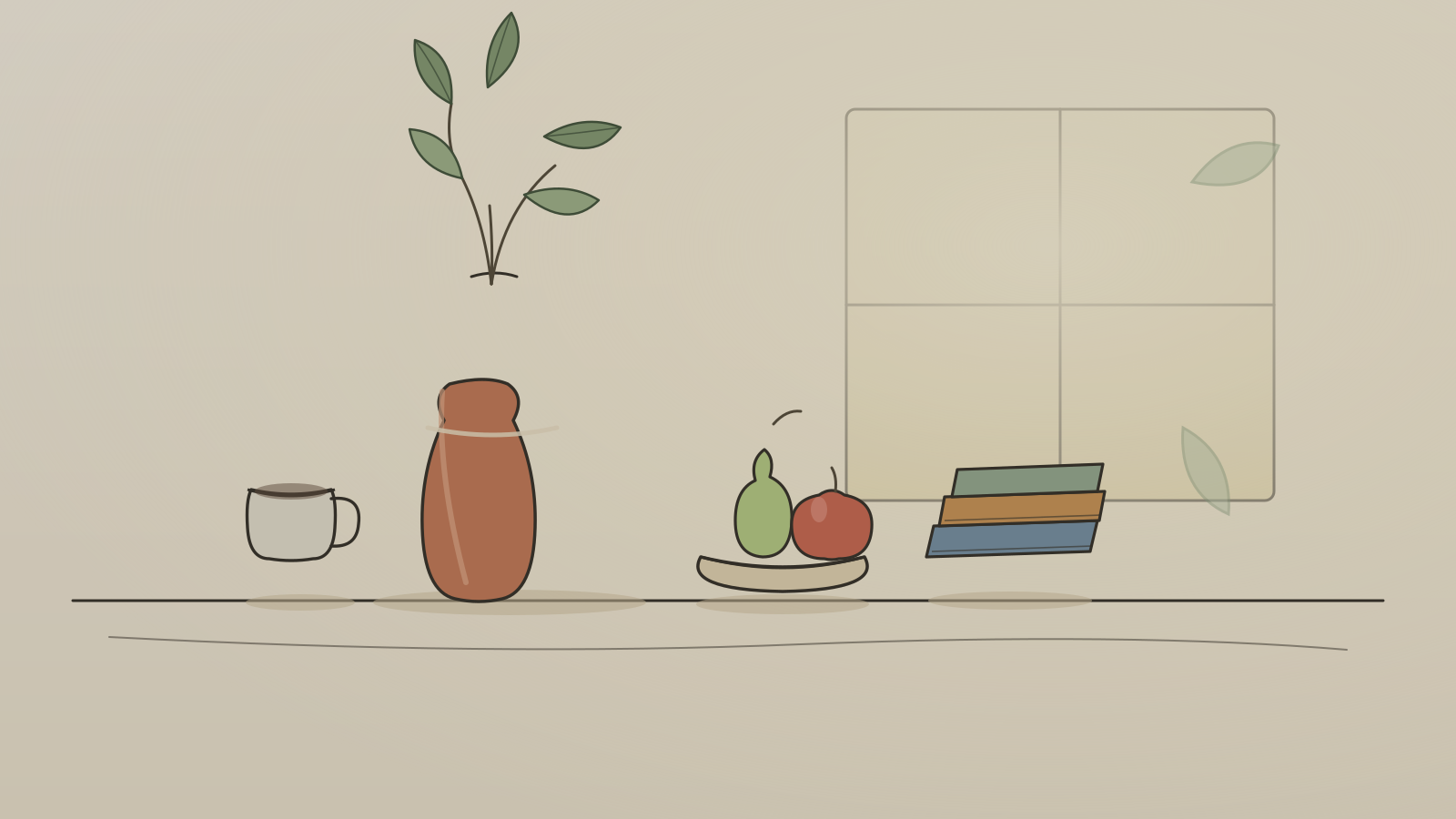
What happens when you really look at one ordinary thing?
A growing collection of hand-drawn illustrations — made not with a brush but in code, every line an SVG path placed by hand. An experiment in whether a model can draw with an illustrator's restraint, choosing what to leave out, instead of reaching for a photograph. The line wobble and paper grain are real, and render live in the browser.
Open the collection
Can a screen, of all things, help you put the day down and breathe for a few minutes?
Not a page but a place. You arrive tired, tap a single soft orb, and the space comes alive slowly: a living warm gradient drifts overhead, a circle expands and contracts to guide your breath, and gentle healing frequencies are generated live in the browser over a soft ambient drone. There is nothing to sell and nothing to scroll toward, only presence. A contemplative sound experience, not medical treatment.
Step inside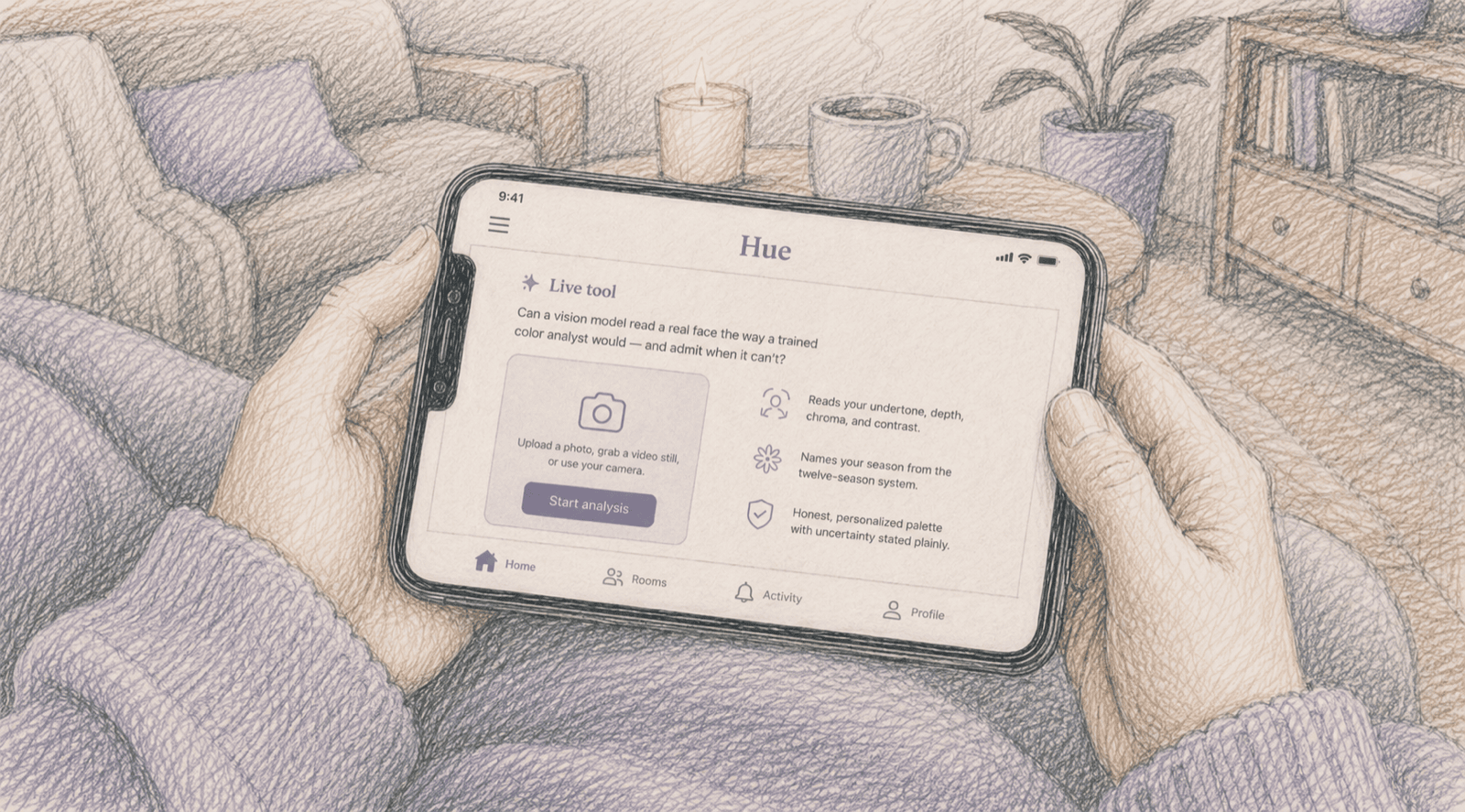
Can a vision model read a real face the way a trained color analyst would — and admit when it can't?
Upload a photo, grab a video still, or use your camera. A vision model reads your undertone, depth, chroma, and contrast, names your season from the twelve-season system, and lays out an honest, personalized color palette. Every result is a live API call — nothing faked, and uncertainty is stated plainly.
Open the working tool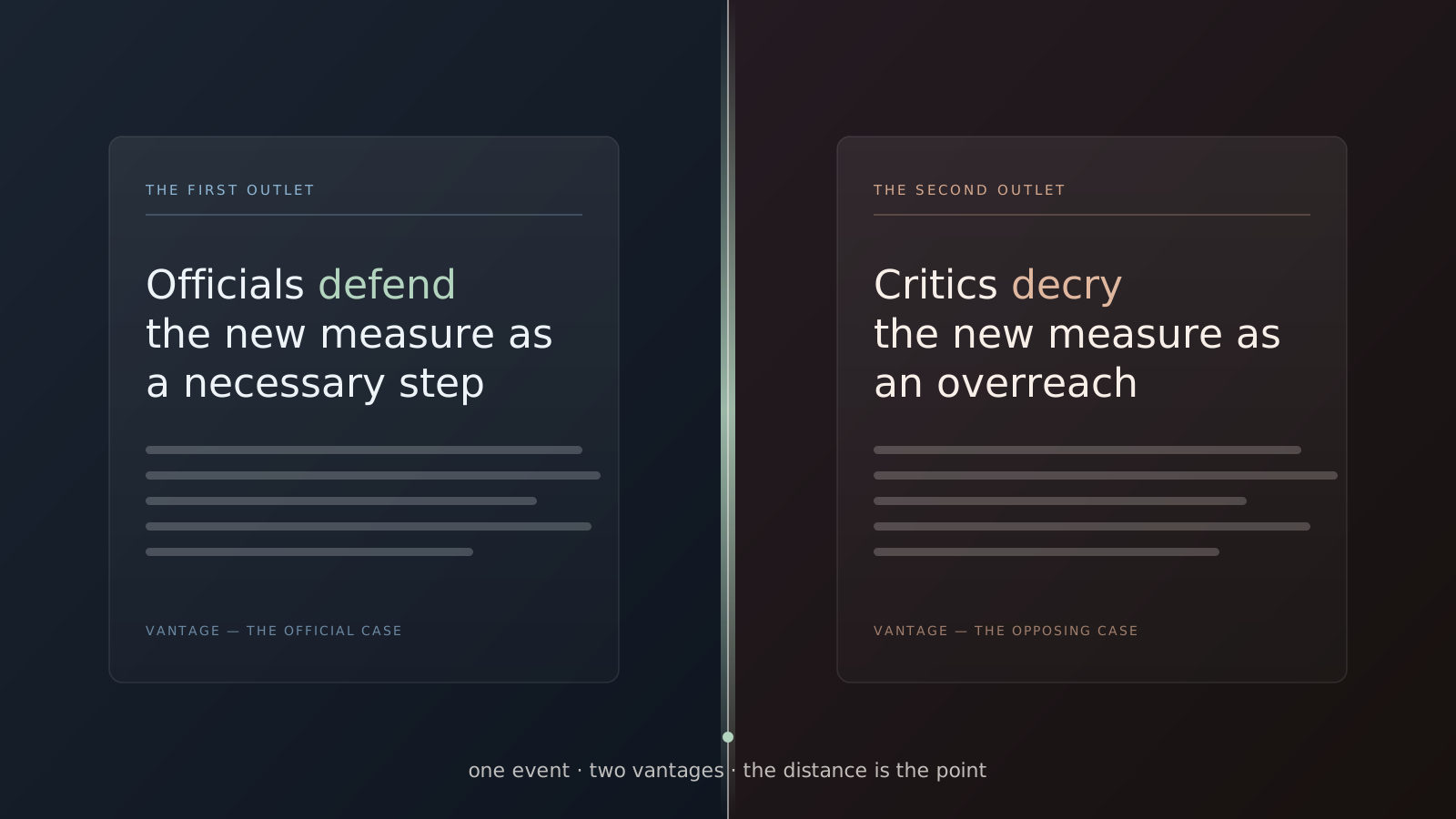
What if you could see the same event from two angles at once — and feel the distance between them?
Parallax pairs real, current headlines about a single news event from outlets that frame it differently, set side by side. A model finds the two genuine headlines through live web search, then names the gap between them — the loaded word one chose and the other avoided, what each foregrounds, what each leaves out. It doesn't tell you who's right. It shows you there's a distance, and lets you stand in it. When an honest opposing pair can't be found, it says so.
Open the working tool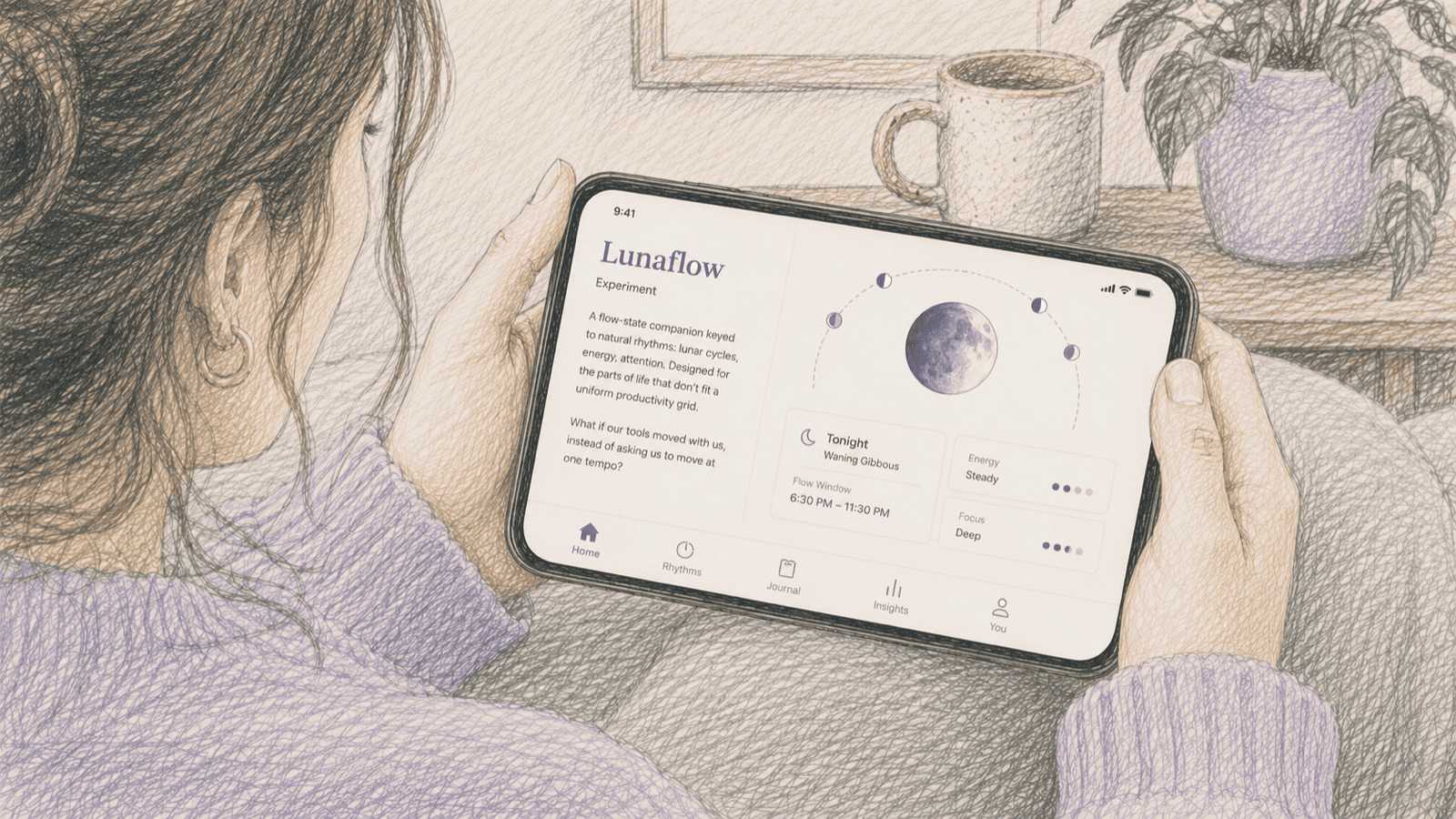
What if our tools moved with us, instead of asking us to move at one tempo?
A flow-state companion keyed to natural rhythms: lunar cycles, energy, attention. Designed for the parts of life that don't fit a uniform productivity grid.
Open the living prototype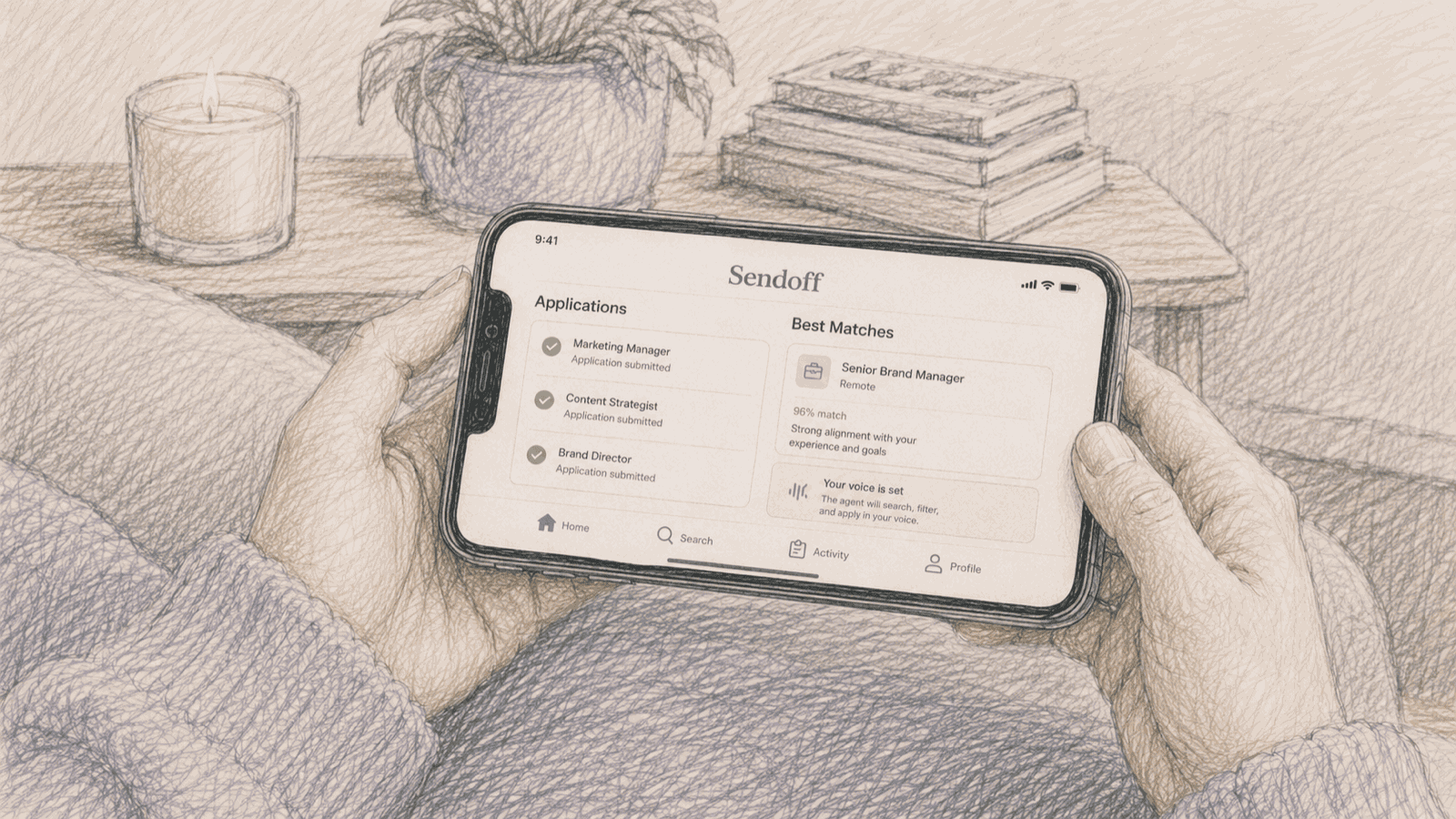
What if the labor of looking didn't have to be yours?
An AI agent for the job search. It reads listings in your voice, surfaces only the roles that actually fit, and submits tailored applications on your behalf, so the search becomes background hum instead of grind. A working four-flow mobile prototype: onboarding, an agent dashboard with live scan stats and a listening waveform, a match detail that shows exactly why a role fits, and an applying sequence that tailors your resume, drafts a cover letter, and submits, plus Saved, Applications, and Profile. Everything runs in your browser with sample data; nothing is stored or sent.
Open the living prototypeConcepts & explorations.
Questions I'm still sketching — not yet live to open. Here so you can see where the work is headed.
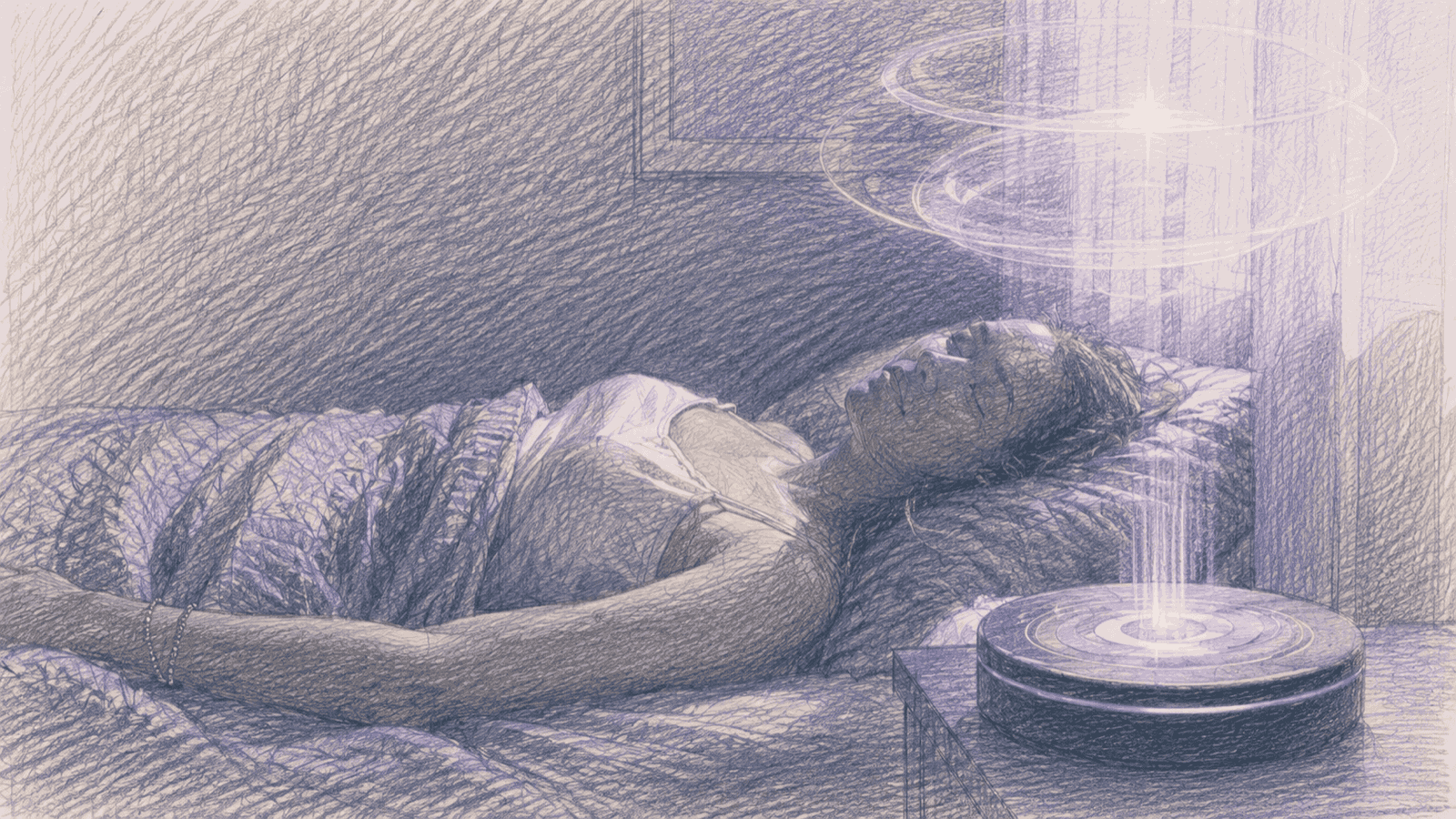
What if our memories could be re-rendered, not as archives, but as living interpretations?
An AI memory visualization studio. Type a memory; see it bloom through stills, films, mood, and meaning. Where personal recollection meets generative imagination.
Concept · not yet live
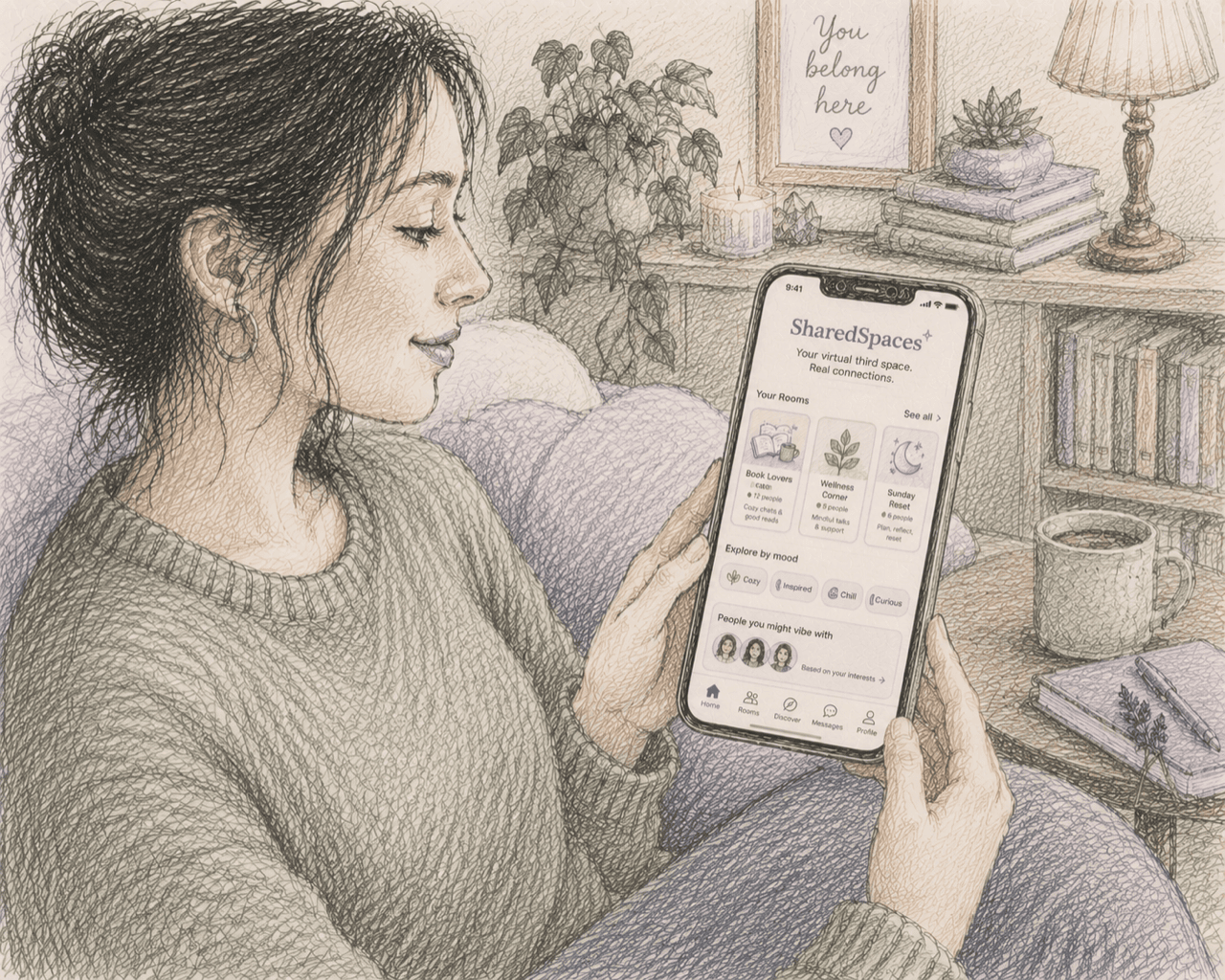
What does a digital third place feel like when it's designed for presence, not performance?
A presence-first platform for human connection. Live rooms where people gather to feel less alone: to talk, listen, reflect, create, or simply share quiet presence with others in real time.
Concept · not yet live
How the work happens.
A question becomes a prompt. Claude refines the prompt. Sora 2 (or Veo 3, or Runway) renders. FFmpeg processes and pulls frames. SQLite holds the metadata. Flask serves the interface you're reading this on.
Sora 2, Veo 3, Runway
AI video generation.
Claude
Analysis, writing, code, vision. The thinking partner.
Python + Flask
Tools and interfaces for working with AI outputs.
FFmpeg
Video processing, frame extraction, and format work at scale.
SQLite
Metadata, ratings, and curation state.